

476 文字
2 分
Debian amd64にMinecraft modpackのStoneBlock4をインストールする
Debian amd64にMinecraft modpackのStoneBlock4をインストールする
6Core/8GBのDebian13にインストールする。
javaとmodpackをFTBのserverinstallを使ってインストールする
https://docs.feed-the-beast.com/docs/support/Guides/Server/ を参考にすすめる。
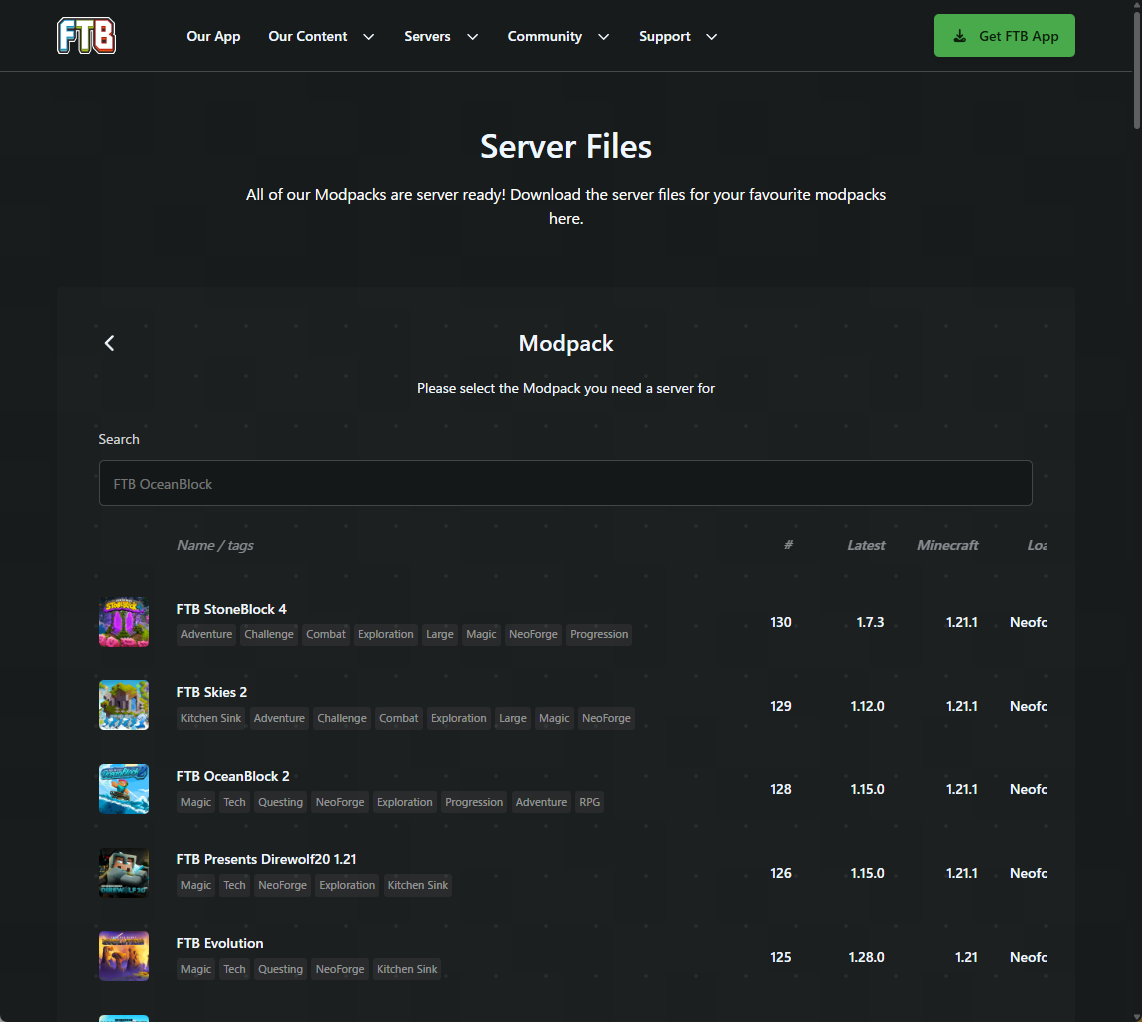
- https://feed-the-beast.com/modpacks/server-files/linux 開いて、
FTB StoneBlock 4を選択 - modpack versionを選んで、
ServersIntel / AMDのコマンドをコピー - インストールしたいDebian上のディレクトリ(今回は
/opt/minecraft) にcdしたうえでコマンドを実行し、serverinstall_*を実行 - 雑にyでインストール進める
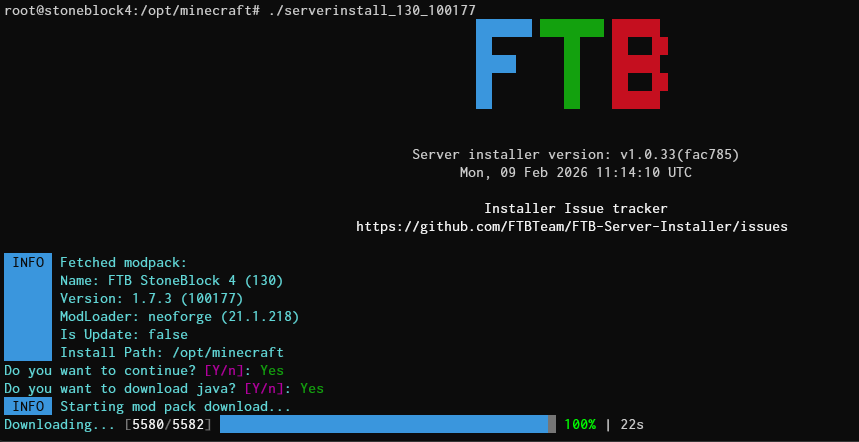
modpackの情報と、インストールpath問題なければyで進める。Javaもインストールしてくれる。便利
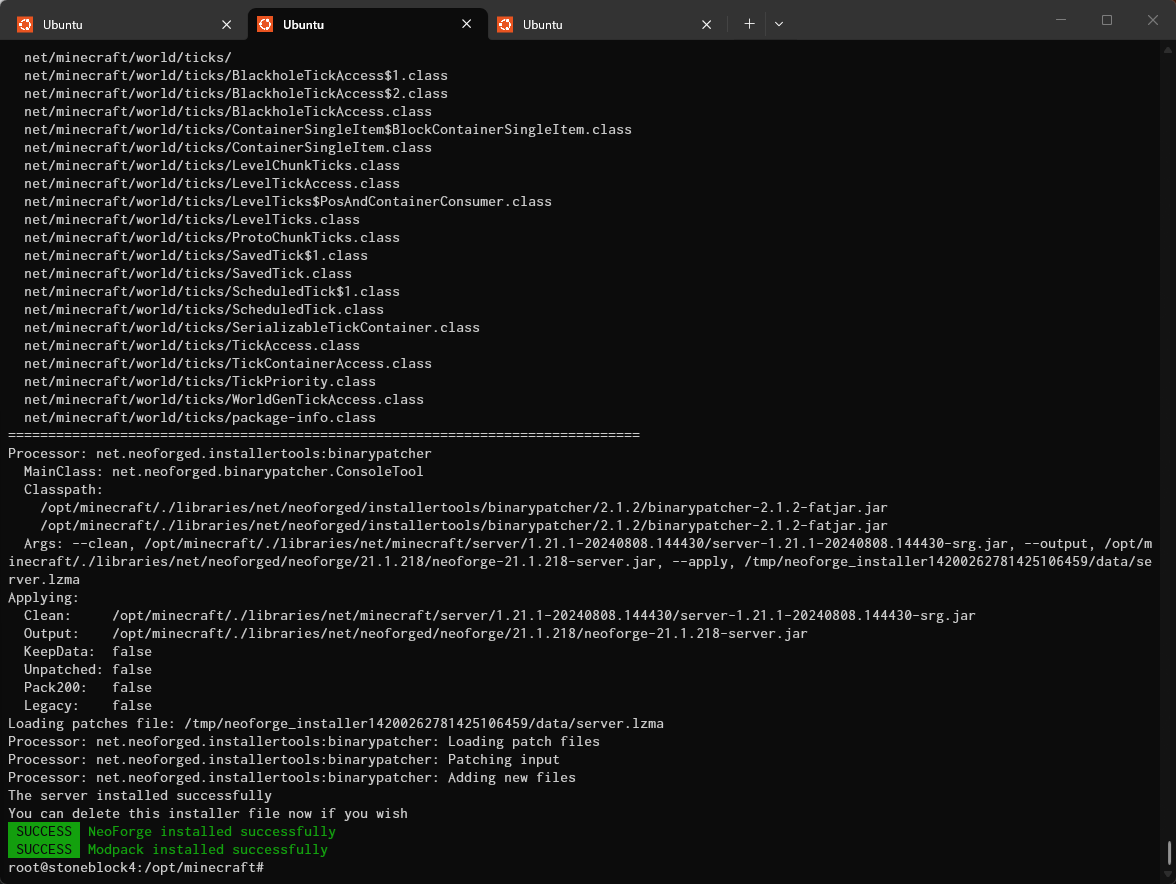
SUCCESS Modpack installed successfullyで正常終了していればOK
サーバーを起動する
インストールが完了したらrun.bat, run.shが生成される。今回はDebianなのでrun.shを実行すればサーバーが起動する。
root@stoneblock4:/opt/minecraft# ls -lsa run.*4 -rw-r--r-- 1 root root 359 Feb 9 11:18 run.bat4 -rwxr--r-- 1 root root 387 Feb 9 11:18 run.shjvmのオプションをいじりたかったら、user_jvm_args.txt を修正するとよい。
root@stoneblock4:/opt/minecraft# cat user_jvm_args.txt# Xmx and Xms set the maximum and minimum RAM usage, respectively.# They can take any number, followed by an M or a G.# M means Megabyte, G means Gigabyte.# For example, to set the maximum to 3GB: -Xmx3G# To set the minimum to 2.5GB: -Xms2500M
# A good default for a modded server is 4GB.# Uncomment the next line to set it.# -Xmx4G初回起動時はEULAの承諾が必要。true を入力しEnterすればOK.
<snip>[11:23:14] [main/INFO] [minecraft/Eula]: By answering 'true' to this prompt you are indicating your agreement to Minecraft's EULA (https://account.mojang.com/documents/minecraft_eula)EULA:trueさいごに
run.shをbackgroundで動作させたいならtmuxを入れるか、systemd service unitを作成するとよい。 サーバー初期設定するうえでserver consoleにコマンド入れたいケースがあると思うので最初は生で起動するかtmuxがおすすめ。
sudo tee /etc/systemd/system/minecraft-stoneblock4.service << 'EOF'[Unit]Description=Minecraft StoneBlock 4 ServerAfter=network.target
[Service]User=minecraftWorkingDirectory=/opt/minecraftExecStart=/opt/minecraft/run.shRestart=on-failureRestartSec=10
[Install]WantedBy=multi-user.targetEOF
sudo systemctl daemon-reloadsudo systemctl enable --now minecraft-stoneblock4- 実際に起動させる場合はminecraft ユーザーを作成し、権限を絞っておくのがよい。